
The Youth
We do computer lessons for the youth. We believe we need to equip communities with the right skills to be able to create opportunities. More so in communities with limited to no opportunities.
Community empowerment is something we feel deeply passionate about. We are focused on aiding in the education, digital upliftment, and job readiness of local communities that are often overlooked.
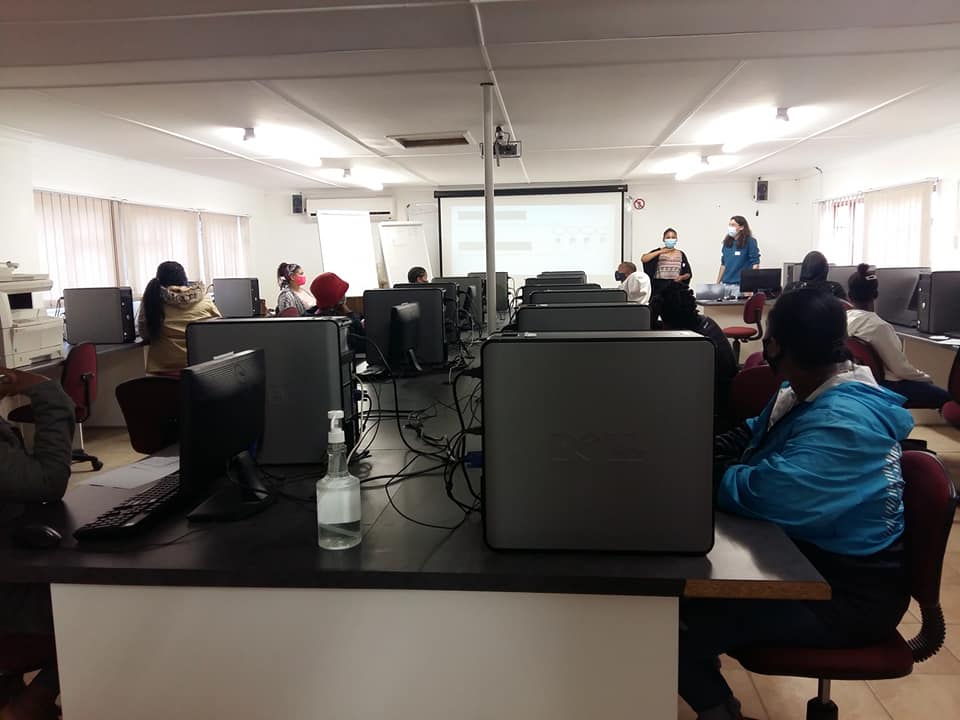
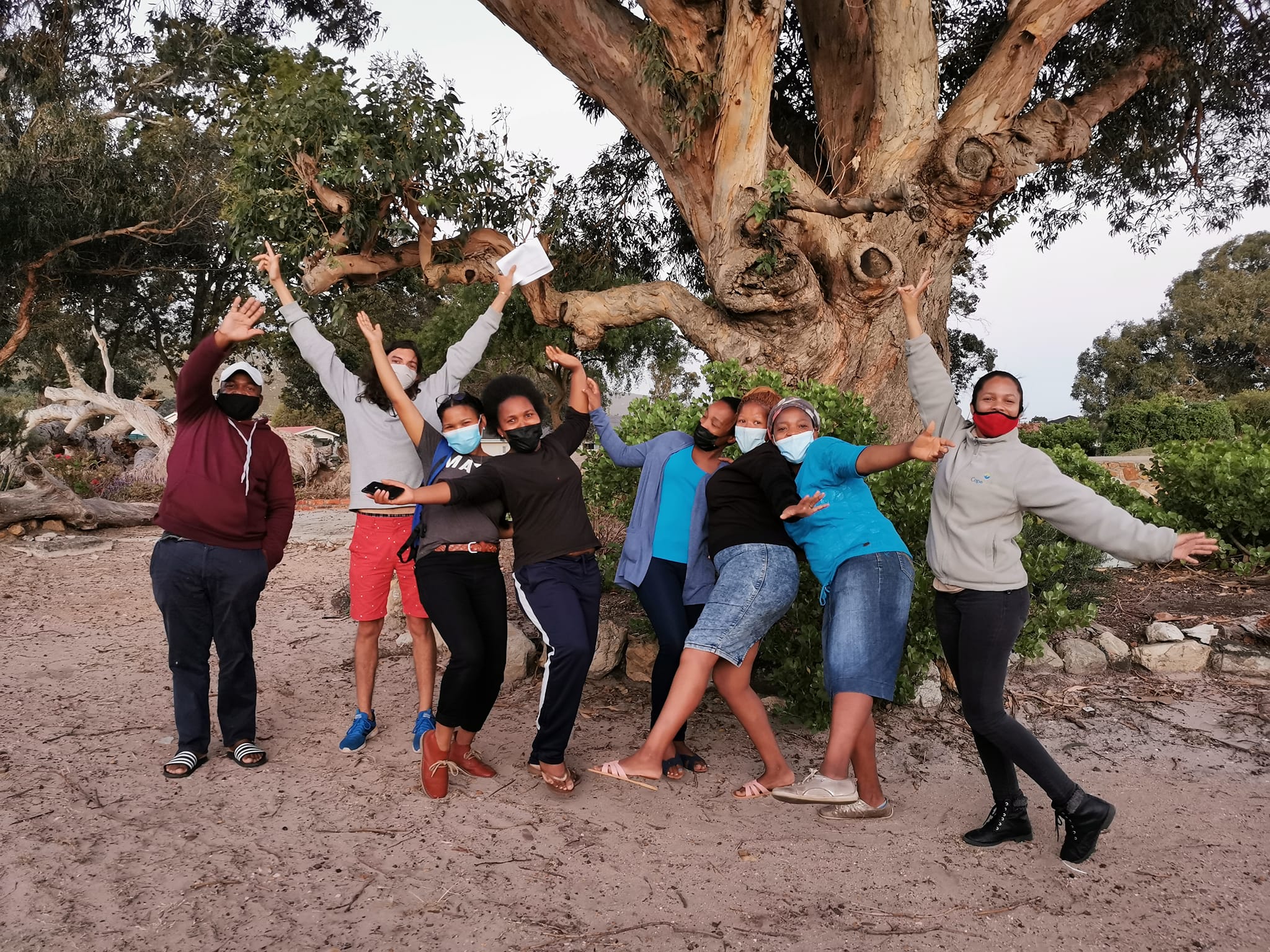
We partnered with the Mthimkhulu Community Development Programme to provide free computer literacy courses to the community of Kleinmond. Due to this community having no high school, it faces a high dropout rate paired with limited job opportunities.
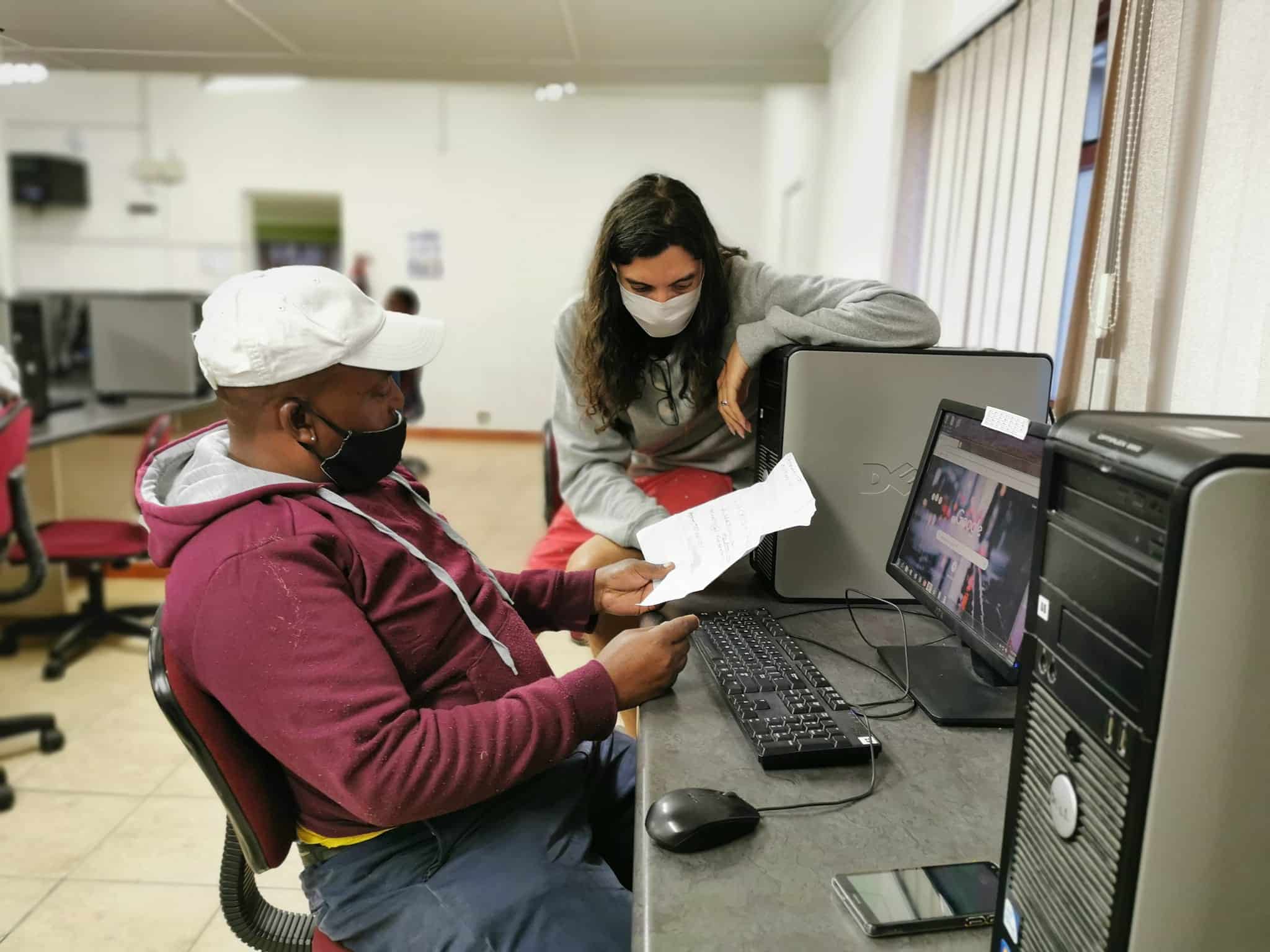
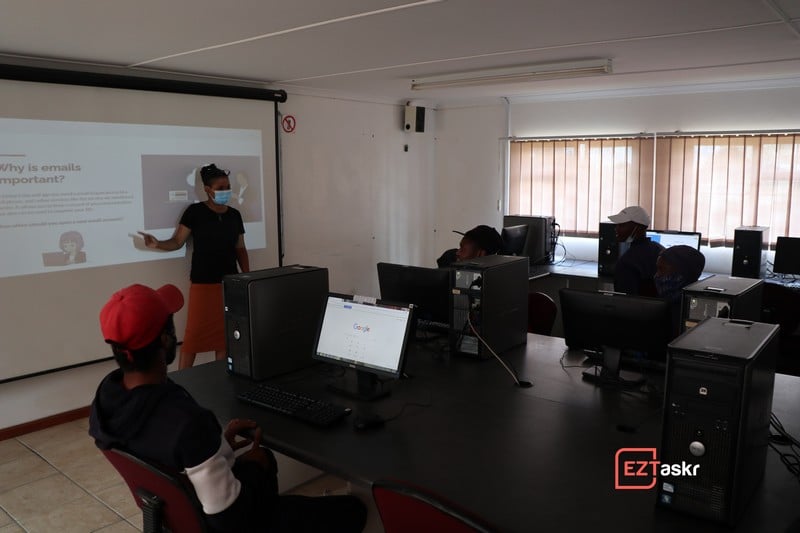
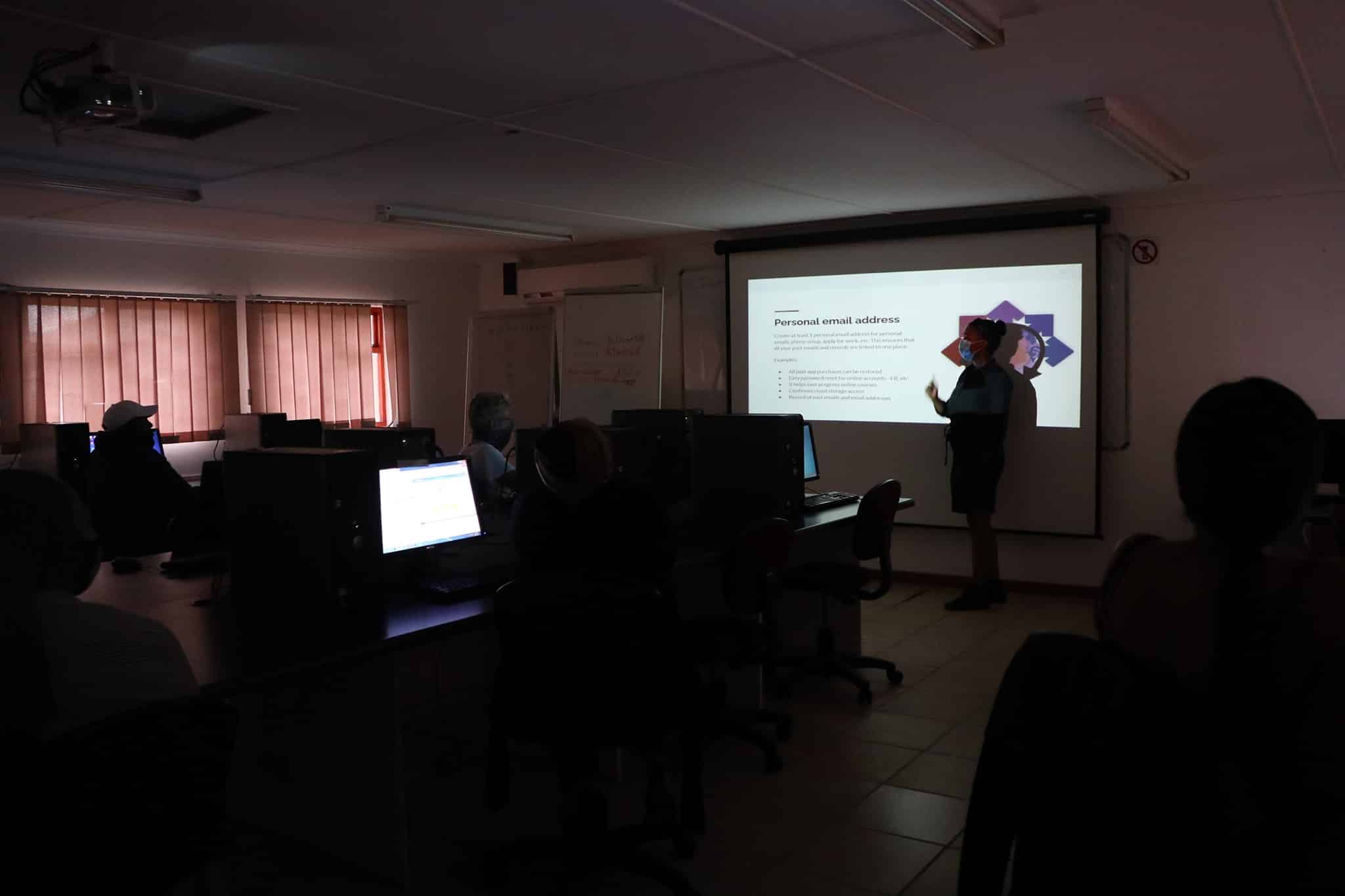
We provided classes twice a week over several months, focusing on computer literacy skills for employment readiness and online work. Our lessons are geared at teaching more than basic computing—we aim to develop tangible hard and soft skills.
Furthermore, we incorporated lessons unusual for a standard computer class, such as budgeting, freelancing, and CV building. We will continue building out a dynamic lesson plan to ensure we provide the most comprehensive job readiness programme possible.
Equipping communities with the right digital skills and infrastructure to create new opportunities.
We do computer lessons for the youth. We believe we need to equip communities with the right skills to be able to create opportunities. More so in communities with limited to no opportunities.
Too often the older generation gets overlooked. So we made it a point to provide the opportunity to learn to anyone willing. We offer a second computer literacy class dedicated to over 35-year-olds.
Because these organisations rely on public funding, we launched a free NGO and NPO website programme. If you know of an organisation in need of a digital presence, we are able to assist.
We know public schooling funds are so tight they're best spent directly on the kids. We have taken it upon ourselves to aid with the creation of a free website for public schools lacking one.
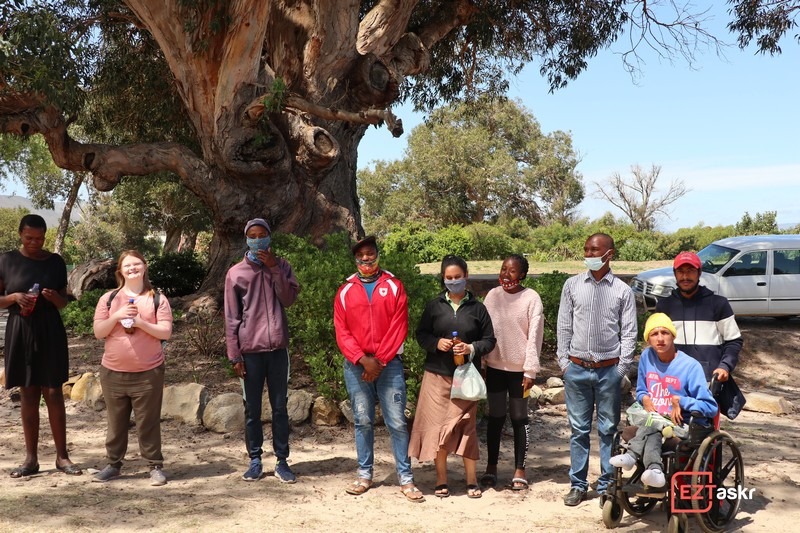
The Grail hosted a skill-building course for an Overberg disabled youth group, and our team facilitated specialized computer lessons over the course of 3 intensive days.
We facilitated a 3-day basic skills course. The course was operated under a greater employment skill development program hosted by the Mthimkhulu Community Development Programme.
Real feedback from the individuals and communities we have worked with, straight from our inbox.
Mongikazi
Community Member
Dear Madam,
I hope this email finds you well.
The computer lessons hosted at Mthimkhulu centre are very helpful both to the youth and adults. Continue doing the good job!
Hi Mongikazi,
Thank you for your kind words.
We hope to continue these lessons to enrich the community with the skills to thrive in the digital world. We hope to create more opportunities in the future.
Warm regards,
Lucrisia
Sisanda
Student
hi im sisanda,
i want to thank you for open the computer class you guys you made a big different in our life. thank you very much
Hi Sisanda,
I am glad that you appreciate the Computer Basics 101 class.
We are happy that you are finding it valuable. See you next week!
Warm regards,
Lucrisia
Fiona
Student
Evening Madam,
I'm so interested in learning more about the computer basics, so for me I'd like to know what further steps should I take after finishing this course?
Yours sincerely,
Fiona
Hi Fiona,
That's a great question. In this full course, we will cover:
- Typing and increasing speed
- Online security
- Google Tools (Docs, Sheets, Drive)
- CV creation and applications
- Web browsing
After finishing these lessons, I recommend an online course for remote jobs (virtual assistant, web development, digital marketing, etc.). What is your main goal after this course?
Warm regards,
Lucrisia
Reach out to us if you want us to come to your community, or if your public school or NGO is in need of a free website. We will assist where we can.
Get in touch directly via email and our team will get back to you:
Email Us: [email protected]